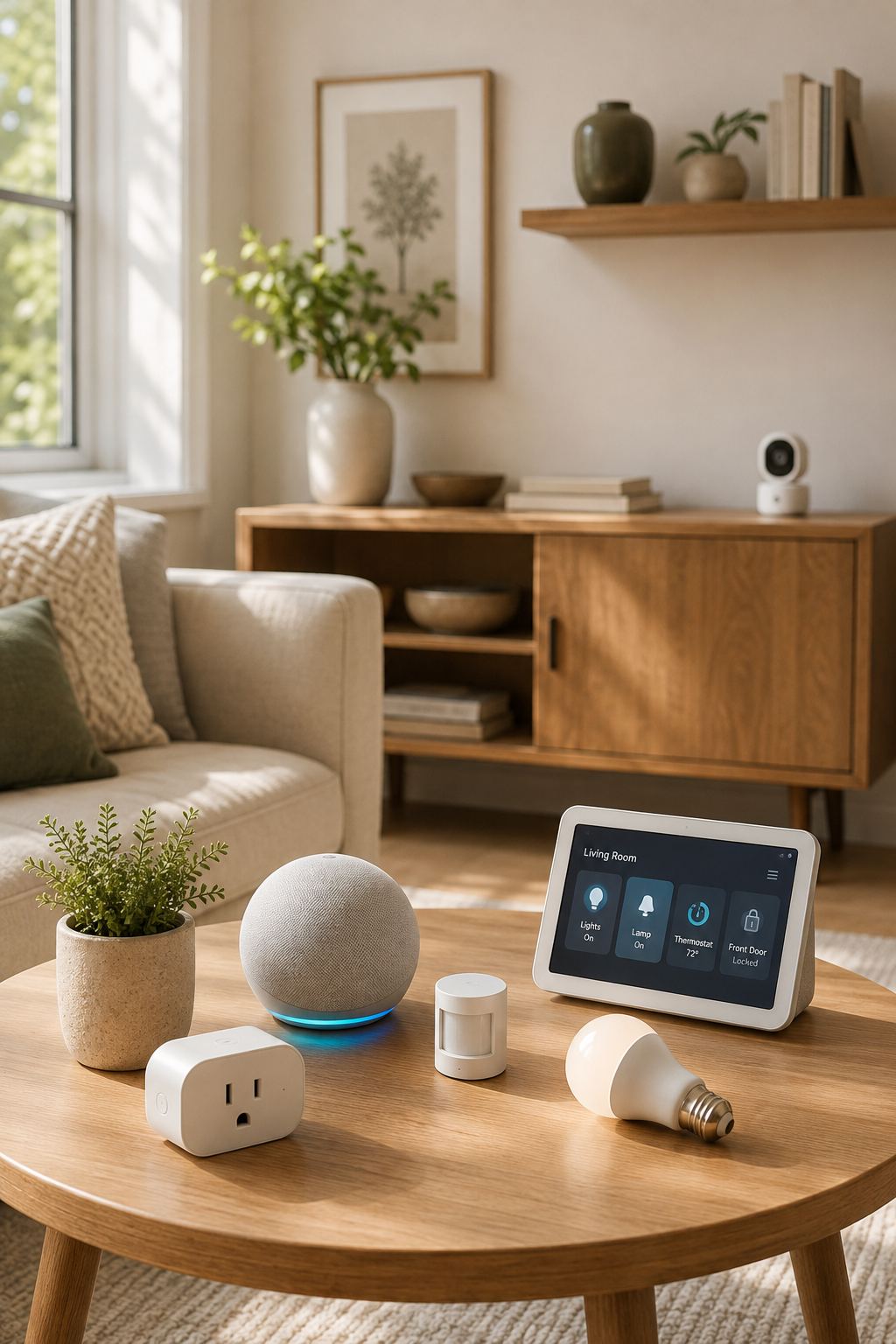
Smart-home technology is most useful when it gives something back to you.
And one of the most valuable things it can give back is time.
Think about the small tasks you repeat every day.
Turning lights on and off.
Checking whether something was left running.
Cleaning the floors.
Adjusting the temperature.
Remembering household routines.
Checking whether a door is closed.
None of these tasks individually takes very long.
But when you repeat dozens of small tasks every day, they add up.
That’s where smart-home technology can be genuinely useful.
The goal isn’t to automate your entire life. It’s to identify the repetitive tasks that don’t require much thought and let compatible technology handle some of them.
Here are nine practical ways to use smart-home technology to save time without making your home unnecessarily complicated.
01. Let Your Lights Follow Your Routine
Lighting is one of the easiest household tasks to automate because many lighting needs follow predictable patterns.
For example, if you regularly arrive home around the same time, compatible smart lighting can be scheduled or incorporated into a routine.
Instead of:
**Instead of**
Come home → find switch → turn light on
you can potentially have:
**You can have**
Arrive/time reached → compatible light turns on
The same idea can work in the evening.
Selected lights can be scheduled to switch off at a suitable time, reducing the number of switches you need to check before bed.
Don’t automate every light
Start with the lights that actually create an inconvenience.
A lamp in the living room or an entrance light may provide more value than automating every bulb in the house.
02. Create a Single “Leaving Home” Routine
One of the most useful smart-home concepts is bringing several small actions together.
If your compatible ecosystem supports it, a leaving-home routine could potentially control selected devices when you leave.
For example:
**A leaving-home routine**
Leaving home → selected lights switch off → compatible devices respond → temperature settings change
The exact functions depend on your devices and platform.
This can save you from walking around the house checking every light individually.
Keep the routine sensible
Don’t automatically switch off devices simply because you can.
Some appliances and systems need to remain on or should be operated according to their manufacturer’s instructions.
The goal is to automate appropriate, low-risk actions.
03. Let a Robot Vacuum Handle Routine Floor Cleaning
Vacuuming is one of those household tasks that doesn’t require much creativity but still takes time.
A suitable robot vacuum can help with routine floor maintenance by operating according to a schedule.
Depending on the model, it may be able to:
- Clean automatically
- Follow mapped areas
- Clean selected rooms
- Return to its charging station
- Send notifications
- Be controlled remotely
This doesn’t mean you’ll never need to vacuum manually.
Corners, stairs, upholstery and certain surfaces may still require traditional cleaning.
But having a robot handle regular floor maintenance can reduce the amount of time you spend doing repetitive cleaning.
Make the robot’s job easier
The cleaner and more accessible the floor, the easier many robot vacuums can navigate.
Keep cables and small objects appropriately managed and follow the manufacturer’s recommendations for your floor types.
04. Use Voice Commands for Timers and Reminders
Sometimes the smartest household tool is simply one that helps you remember something.
A compatible voice assistant can be useful when your hands are occupied.
For example, while cooking:
“Set a timer for 15 minutes.”
While cleaning:
“Remind me to check the laundry later.”
While preparing to leave:
“Remind me to take the package.”
This can save you from stopping what you’re doing to reach for your phone.
Use reminders for things that actually matter
Don’t create dozens of reminders.
Use them for tasks that are easy to forget but important enough to justify the prompt.
05. Automate Compatible Temperature Settings
If your heating or cooling system supports compatible smart controls, scheduled temperature changes can reduce the need for constant manual adjustment.
You might use different settings for:
- Sleeping
- Being away
- Working from home
- Evening
- Weekends
Instead of remembering to change the temperature every time your routine changes, a compatible system can follow the schedule you’ve created.
But compatibility comes first
Heating and cooling systems vary significantly.
Check that a smart thermostat or control system is designed to work with your existing setup before purchasing.
If installation involves electrical or HVAC work, use an appropriately qualified professional where required.
06. Use Sensors to Trigger Small Actions
Sensors can save time because they allow certain actions to happen automatically.
For example, a compatible motion sensor could trigger suitable lighting when someone enters a hallway.
A door sensor could become part of an automation.
A leak sensor could alert you when unexpected moisture is detected.
These aren’t necessarily dramatic time-savers.
Instead, they remove small amounts of repetitive checking.
And that’s often where smart-home automation works best.
Think in terms of triggers
A simple automation has two parts:
**The shape of an automation**
Something happens → something useful happens
For example:
**In practice**
Motion detected → compatible light turns on
Water detected → alert is sent
Door opens → compatible entry light responds
The more clearly you can identify that relationship, the more useful the automation is likely to be.
07. Schedule Household Tasks Around Your Day
Some smart devices can operate according to schedules.
This can be useful when you have tasks that need to happen regularly.
Depending on the device, you might schedule:
- Compatible lighting
- Robot vacuum cleaning
- Temperature adjustments
- Certain smart plugs
- Other supported household routines
Instead of remembering the task every day, you establish the schedule once and let the compatible device follow it.
Review your schedules occasionally
Life changes.
If your working hours, sleep schedule or household routine changes, update your automations.
A smart schedule that’s no longer relevant can become an annoyance.
08. Use Smart Energy Information to Reduce Unnecessary Effort
Energy monitoring can save time indirectly.
Instead of repeatedly wondering:
“Why is my electricity usage so high?”
suitable monitoring tools may help you understand patterns.
You might discover that certain appliances or periods of the day contribute significantly to your consumption.
That information can help you make decisions once rather than repeatedly guessing.
For example, you may identify a device that doesn’t need to run as often or a routine that could be adjusted.
The real value is clarity
You don’t need to monitor every number obsessively.
Use the information to identify meaningful patterns and then act on them.
09. Build a Simple Goodnight Routine
The end of the day is another perfect opportunity to remove repetitive tasks.
Instead of checking multiple compatible devices individually, you can potentially create a simple bedtime routine.
For example:
**A goodnight routine**
“Goodnight” → selected lights turn off → compatible bedroom lighting changes → other selected devices respond
The exact actions depend on your smart-home system.
You could also incorporate a reminder or alarm if your platform supports it.
Keep bedtime simple
Don’t create a routine with so many actions that it becomes difficult to understand.
Your goal is to make the last few minutes of the day easier, not more technical.
How to Find the Best Time-Saving Automation for Your Home
You don’t need to guess which automation will be useful.
Look at your day.
Ask yourself:
What do I do repeatedly?
- Turning lights off?
- Checking doors?
- Vacuuming?
- Adjusting temperature?
- Setting timers?
Then ask:
What do I regularly forget?
- Lights?
- Reminders?
- Household tasks?
Finally:
Could a compatible device safely handle part of it?
If the answer is yes, that’s a good candidate for automation.
The 30-Second Rule
Here’s a useful way to decide whether something deserves automation.
If a task takes only a few seconds and you do it once a week, automation probably isn’t necessary.
But if you spend a few seconds doing the same task several times every day, the convenience can add up.
For example:
Turning off one lamp once a day:
Probably not a major issue.
Checking and controlling several lights every night:
Potentially worth automating.
Vacuuming a large floor every day:
A robot vacuum may offer meaningful convenience.
Setting one cooking timer occasionally:
A voice assistant can be useful, but you don’t necessarily need a complicated automation.
The point is to prioritize repeated friction.
Don’t Automate Yourself Into a Complicated Home
There is a temptation to automate everything once you discover what smart-home technology can do.
But more automation isn’t always better.
Imagine having:
- Multiple apps
- Several hubs
- Different voice assistants
- Complicated routines
- Numerous notifications
- Devices that don’t communicate properly
At that point, you’ve created another household management job.
Keep your smart home simple
Choose devices that work well together.
Create routines that solve genuine problems.
Remove automations that you stop using.
And keep manual controls available where practical.
Smart Home Automation Should Support Your Life
Technology should fit around your routine.
If your schedule changes frequently, rigid automations may become frustrating.
If you work irregular hours, a fixed lighting schedule may not make sense.
If you’re often away from home, some routines may be more useful than others.
Your smart home should adapt to your lifestyle, not force you to live according to a machine’s schedule.
Final Thoughts
Saving time doesn’t always require a dramatic change.
Sometimes it’s about removing the little tasks you repeat every day.
A light turns on automatically.
The floors get cleaned while you’re busy.
A reminder appears when you need it.
The temperature adjusts according to your routine.
A sensor alerts you when something needs attention.
Individually, these changes may seem small.
Together, they can make your home feel much more responsive.
**Smart Space Finds takeaway**
The smartest home isn’t the one with the most devices. It’s the one that quietly takes a few unnecessary tasks off your plate.
Start by identifying the repetitive jobs that genuinely bother you, automate the ones that make sense, and leave everything else simple.
For more ideas in the same spirit, explore the smart home section, or keep going with our guide to 10 genius small-space storage ideas and the organization section.